You haven't uploaded the QR code yet.
Please upload the QR code image in the background
|
Input Voltage |
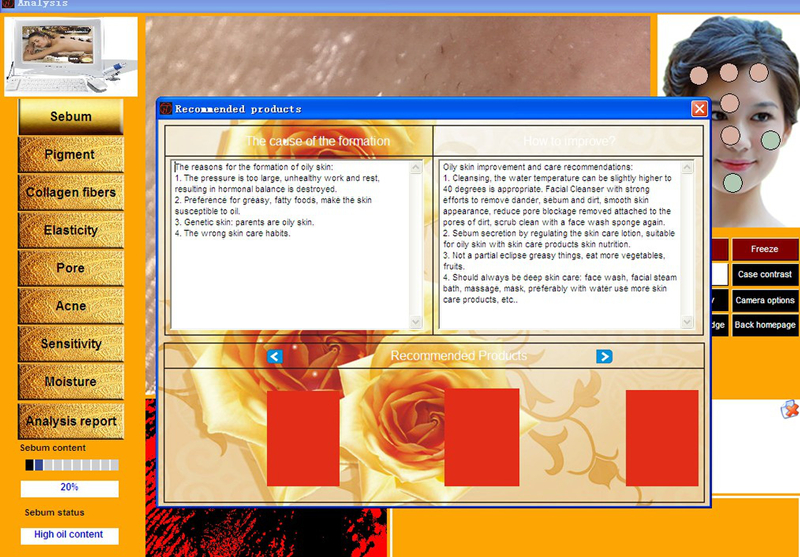
AC 220V±10% 50Hz/60Hz |
|
Illumination (RGB) |
8,800 lux |
| Model | JSA-1 |
|
Color temperature |
7200 K |
|
CPU |
Pentium(IV) or above |
|
Computer & Monitor |
OS: Windows, vista7/8/10 |
| RAM | 4GB |
| Screen | 14.5 inch touch screen |
|
Environment Temperature |
10-35 °C |
|
USB |
3.0 Port |
|
Camera |
Digital Camera |
|
Screen resolution |
1366*768 above |
|
Language |
English and chinese |
| Handles |
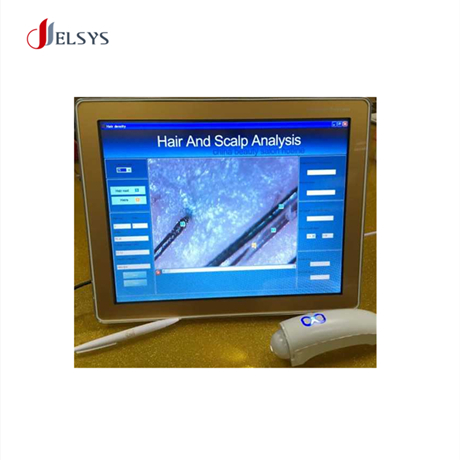
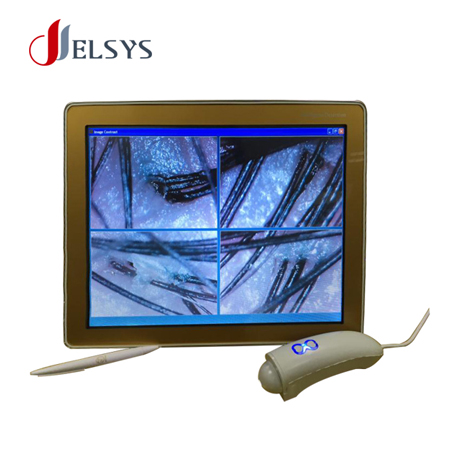
Skin Analysis Handle and Hair Analysis Handle |
| Quantity: | |
|---|---|


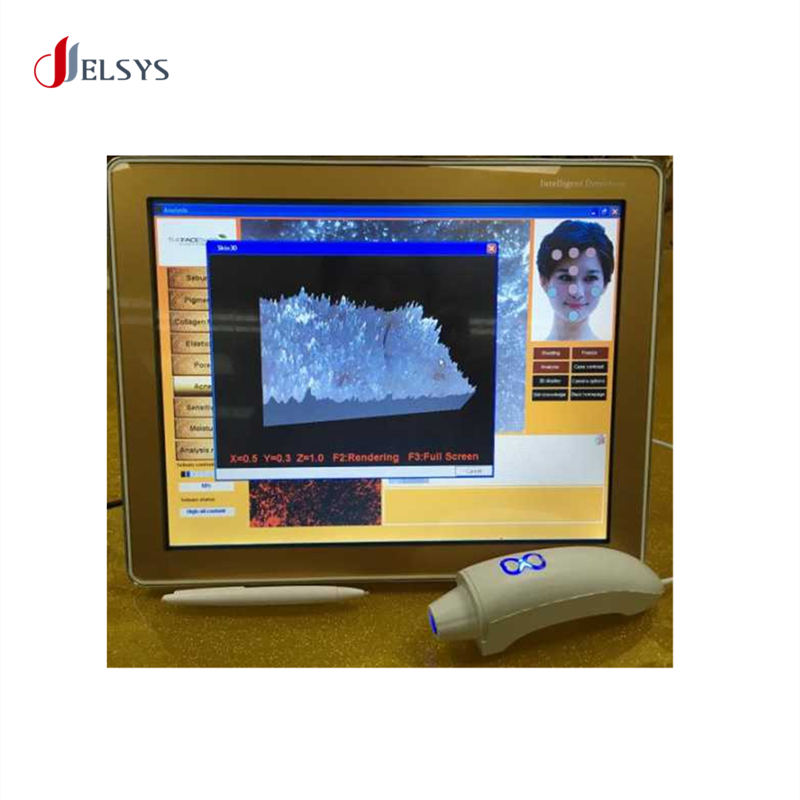
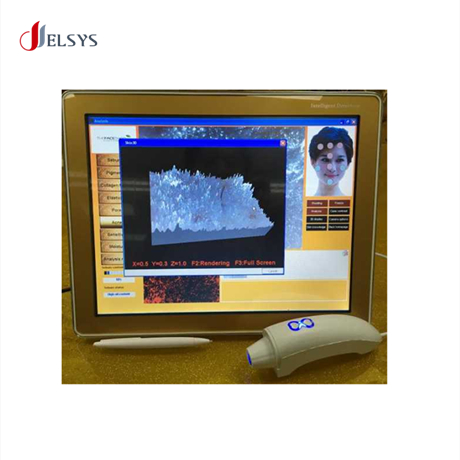
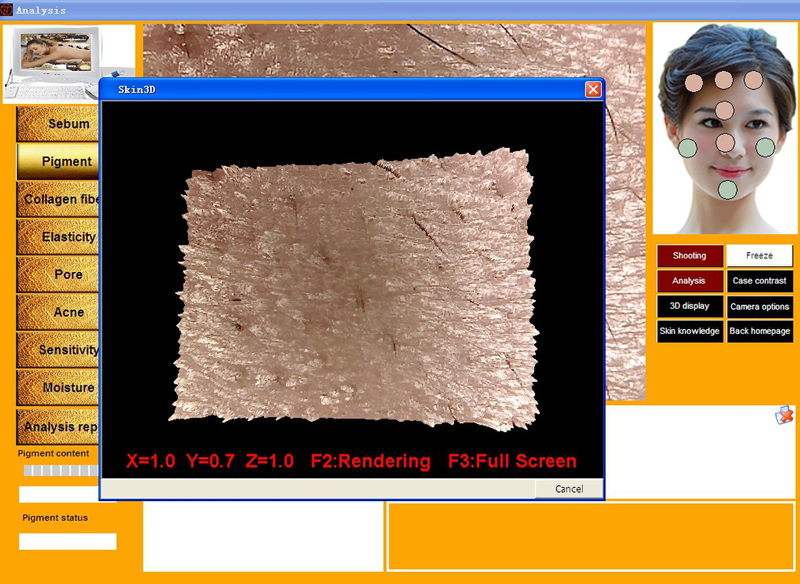
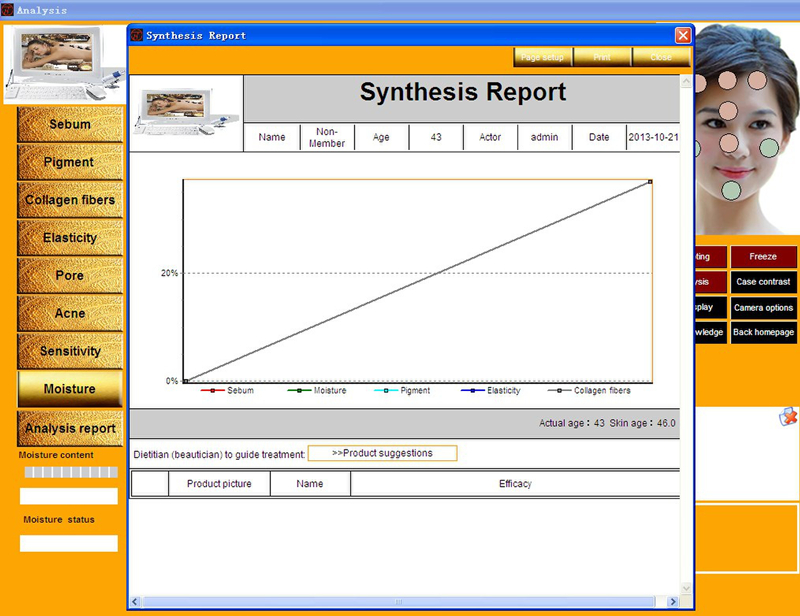
2.After complete set, into the analysis page, the page five major parts, oil analysis, moisture analysis, pigment analysis, pore analysis, the skin age (elasticity and wrinkled). Every picture 3 D display, can see the smoothness of the skin.
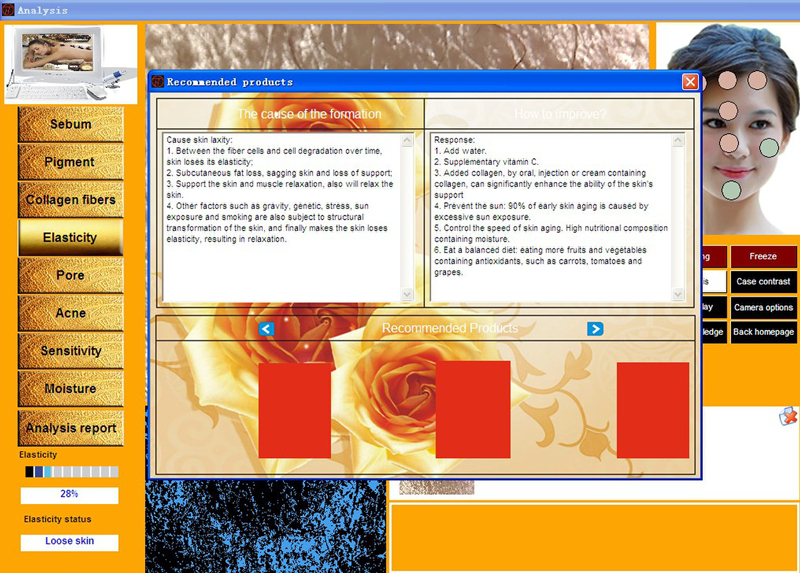
4.Directly use just oil analyzed pictures, click the "flexibility" and then click the right button " Analysis" to analyze. When the analysis is completed, the analyzed data results will be displayed in the lower left corner of the "results description area", including the status of the skin elastic analysis percentage and condition description. Through this result, the screen will directly show the related skin laxity formation reason and the life recommendations of how to enhance skin elasticity. At the same time, the system will automatically recommend the go oil products for selection. When the selection is over, the system will prompted that the choose is successful, the screen will automatically turn off, and then you can do the next step. After analyzed the Elastic, directly click the next module.